What's new in Eagle
22 December 2020
Fortnightly Roundup - 8th December to 21st December
- Integration with Property Me's new API (inbound contact sync). If you have previously used the Property Me integration will need to reconnect
- Added ability to remove a related contact in the new 'related contact widget' in the contact sidebar
- Added ability to add, end or delete tenancies in the new 'contact tenancy widget' in the contact sidebar
- Added ownership and tenancy start and end dates, allows you to add and edit ownerships and tenancies with specific dates including retrospectively
Mobile app
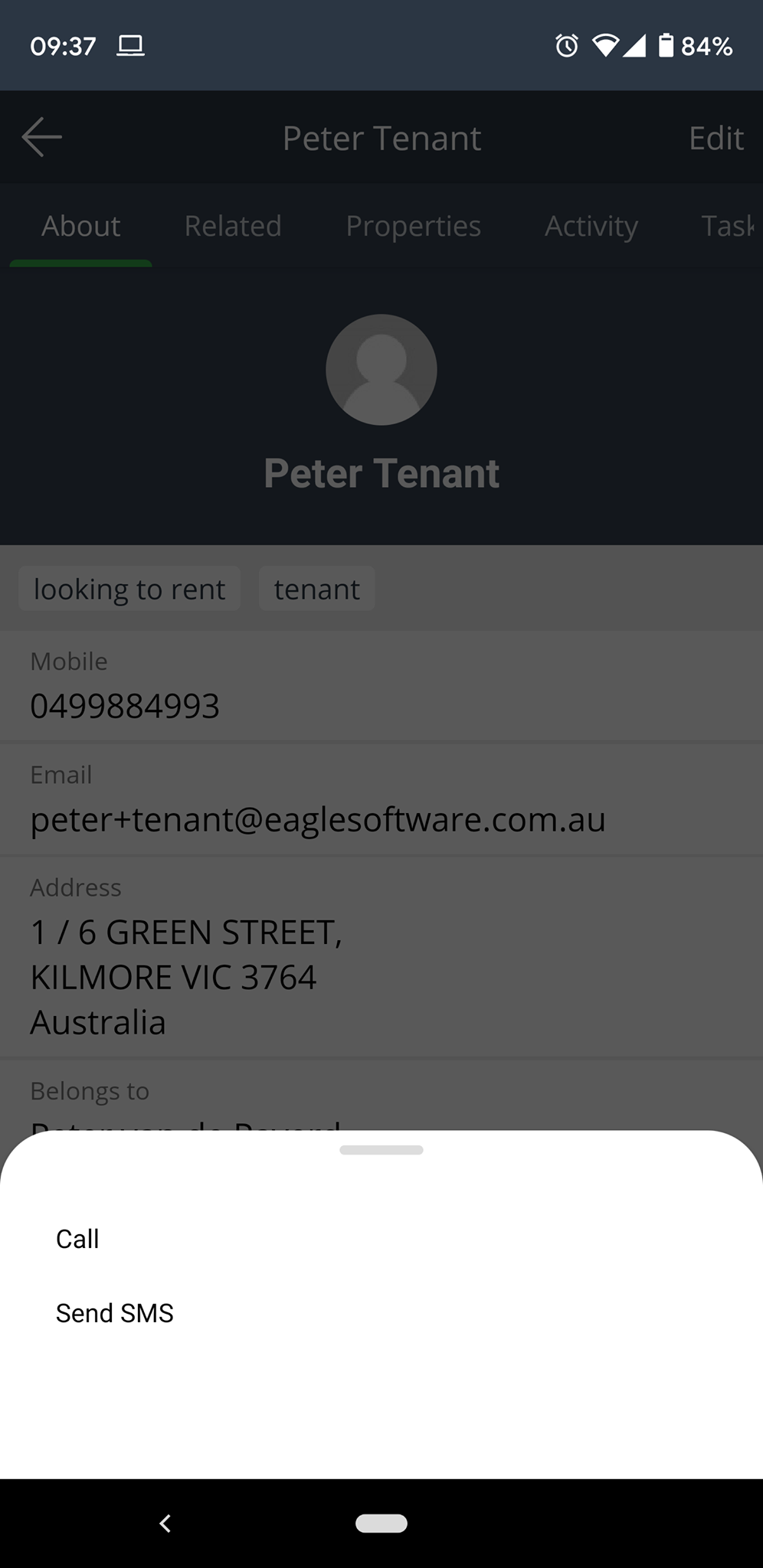
- Introduced slide up menu when calling/sending SMS from a contact
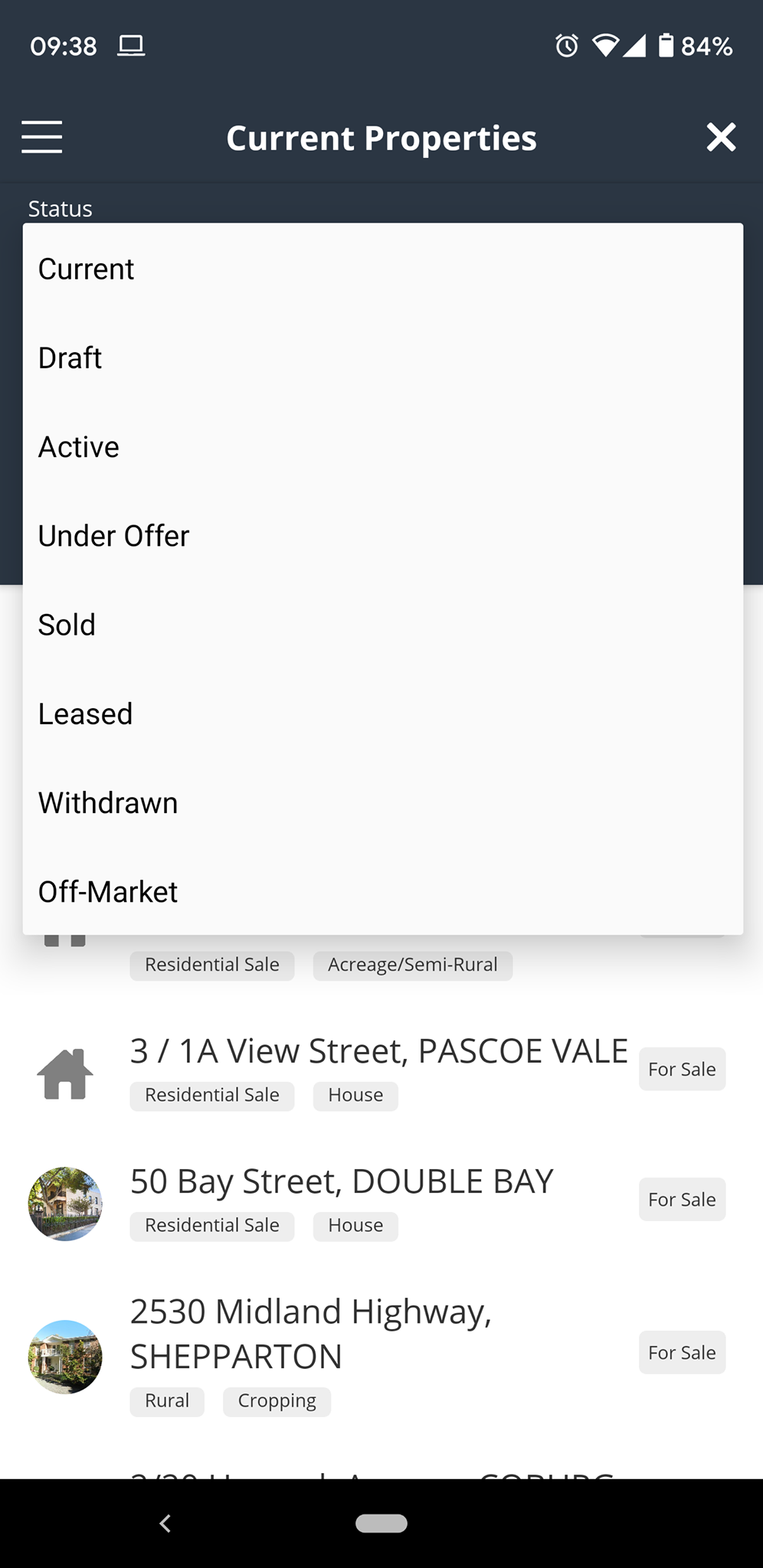
- Added new status filter options to the Listings screen for Off Market, Withdrawn and Under Offer listings
- Bug fixes and tweaks
8 December 2020
Fortnightly Roundup - 24th November to 7th December
This fortnight we released 2 new contact sidebar widgets:
-
- Tenancy widget - see current and past tenancies
- Related contacts - View and add related contacts
We are continuing to roll out all new contact sidebar widgets so there are more to come soon!

- Added email status to emails on the contact activity feed. Statuses are Sending, Sent, Delivered, Bounced or Complaint
- Added tool tip and help article next to email status on emails in activity feed
- Added contract sale price and total deposit amounts to the contract tool tip
- Added new address filter: Appraisal > User > is/is not
- Added number of car spaces to inspection and booking pages
- Added audit logging for campaigns and repeating campaigns
- Backend optimisations and improvements
- Bug fixes and tweaks
25 November 2020
Fortnightly Roundup - 10th November to 23rd November
- Released teams functionality, more info here
- Released QR code inspection check in feature, more info here
- Updated contact picker when attaching contacts to an appraisal
- On global quick search results, added listing type to appraisal results
- Added new sidebar widgets
- Edit Contact, Merge, Delete
- Contact information

Mobile app
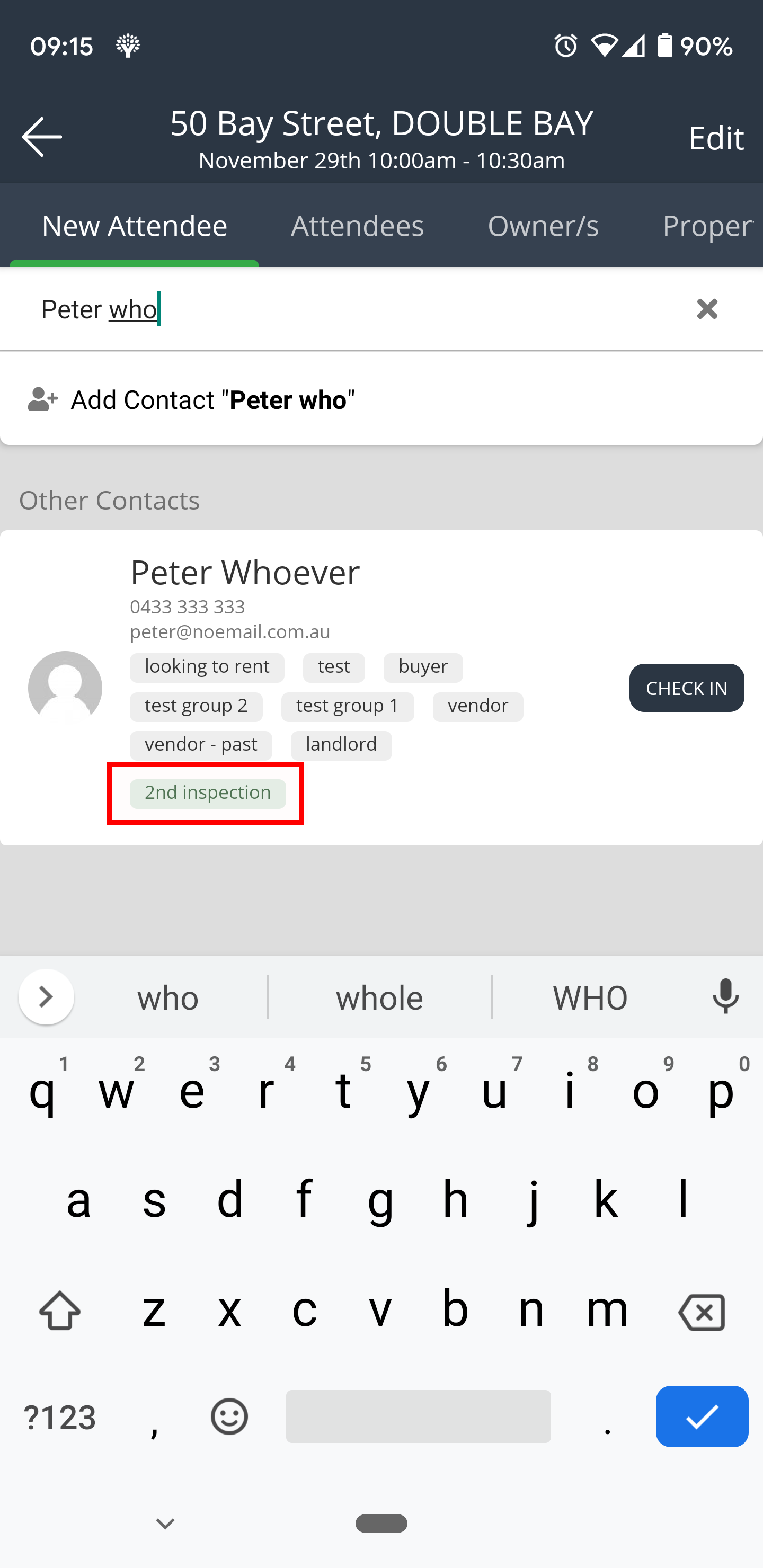
- When checking in inspection attendees, show the if the contact has previously inspected and how many times. Also adds this as a note on the inspection attendance.
- Added ability to registered contacts for open/registration required inspections through the app
23 November 2020
November 2020 Product Release Webinar
In this webinar we do a deep dive into some of the latest features introduced to Eagle during the last quarter.
20 November 2020
Create, manage and share data with teams
With this release we introduce teams functionality which allows you to share data with groups of users.
Teams are useful if you have an assistant or admin users who need access to your data, or if you work in a pod or small team and need data shared between multiple specific users. If a someone joins or leaves the company, simply add or remove that user from the team to grant or remove access to all data shared with the team.

Visit our help article to learn how to setup and manage teams.
11 November 2020
QR Code Inspection Check-Ins
With this release we introduce QR code inspection check-in functionality which allows inspection attendees to scan a QR code and check themselves in to an inspection on their own device. All data entered during the check-in process goes into your database. This is particularly useful for:
- Maintaining COVID-19 social distancing rules
- Managing check-ins for large numbers of inspection attendees
- Freeing up time to speak with potential buyers
Using the QR code inspection check-in is easy
- Go to the CRM > Inspections page, or, go to the Inspections tab within a listing
- Click the 'Print QR Code' button next to the inspection you are running to generate a printable PDF (each inspection has it's own unique QR code)
- Print the QR code check in page and display at the entrance of the property
Visit our help article for more detailed information on how QR code check-ins work.
10 November 2020
Fortnightly Roundup - 27th October to 9th November
- Added Events to the contact activity feed, more info here
- Tweaks to contact filter wording to be more accurate
- Added REA ad id to listings in API
- Added more information to listing, appraisal and contact tool tips
- Bug fixes and tweaks
- Added new activity feed items
- Joined wait list
- Unsubscribed
- Vendor report sent
- Landlord report sent
- Rental application submitted
- In preparation for the release of contact segments, we've added more contact filters:
- User > is the logged in user
- User > is not the logged in user
- Last contacted (more info here)
- last contacted occurred between
- last contacted hasn't occurred within
- last contacted in the last 'X' days
- last contacted more than 'X' days ago
- Enquired on a sale property >
- on any property
- has not enquired on any property
- on project
- on project stage
- count is equal to
- count is greater than
- count is less than
- in the last 'X' days
- more than 'X' days ago
- Enquired on any rental property >
- on any rental property
- has not enquired on any rental property
- on project
- on project stage
- count is equal to
- count is greater than
- count is less than
- in the last 'X' days
- more than 'X' days ago
- Inspected sale property >
- on any sale property
- has not inspected any sale property
- on project
- on project stage
- count is equal to
- count is greater than
- count is less than
- in the last 'X' days
- more than 'X' days ago
- Inspected rental property >
- on any rental property
- has not inspected any rental property
- on project
- on project stage
- count is equal to
- count is greater than
- count is less than
- in the last 'X' days
- more than 'X' days ago
Mobile app
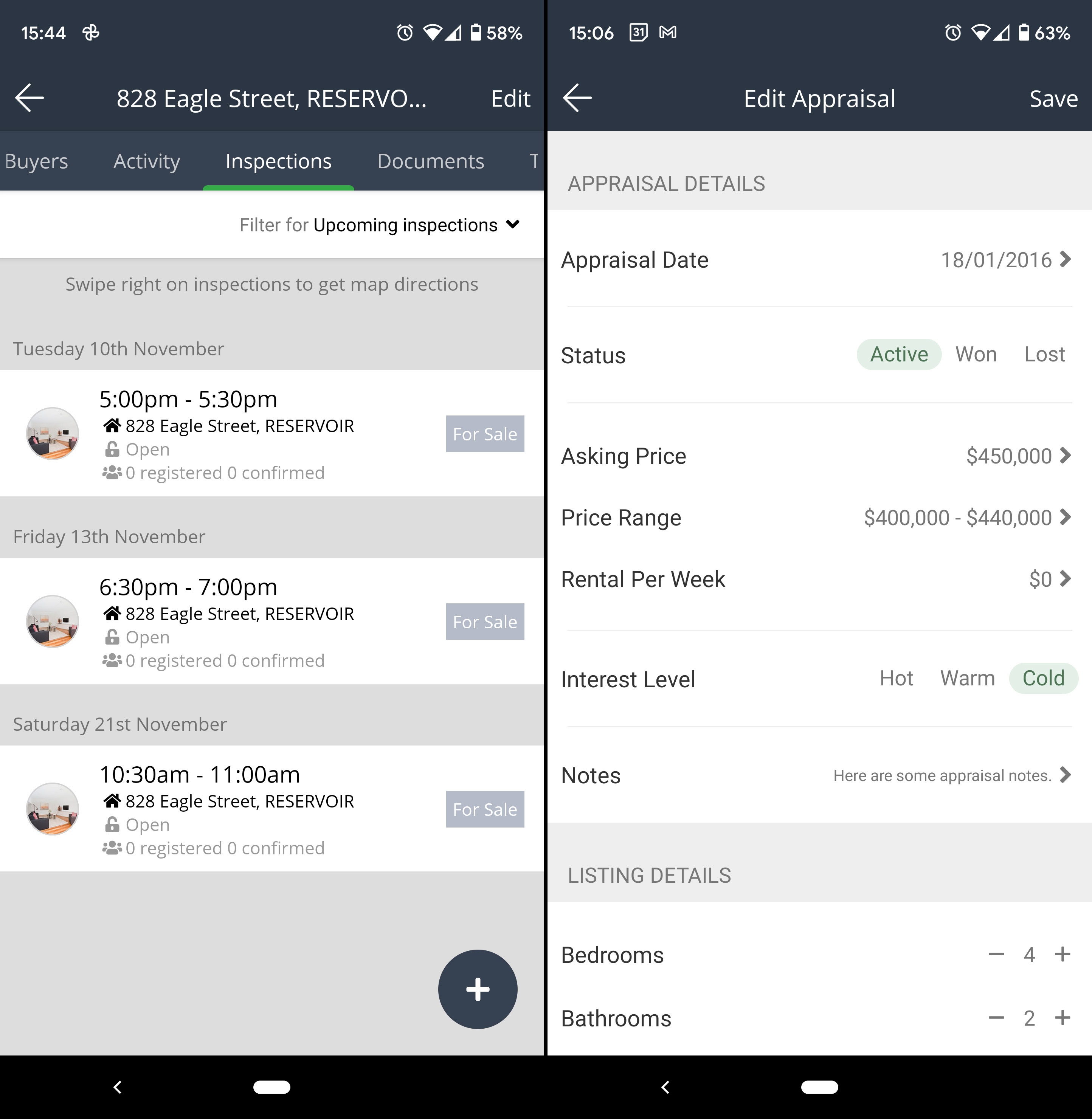
- On Listings > Inspections tab, added Upcoming Inspections and Past inspections filters to make it easier to view
- Custom fields now show on create forms
- Updated appraisal form design
10 November 2020
View and manage events in the contact activity feed
With this release we introduce Events into the activity feed which gives the ability to view and manage your events within the contact record and see the full history of all interactions with that contact.

Having events show within the activity feed helps to provide more context when viewing a contacts history as you can see all events, notes, tasks, communications etc. all together in the timeline.
Events are ordered within the activity feed based on the event date and will be grouped as either upcoming or within the month that the event occurred.
27 October 2020
Fortnightly Roundup - 13th October to 26th October
- Added address ownership to audit log
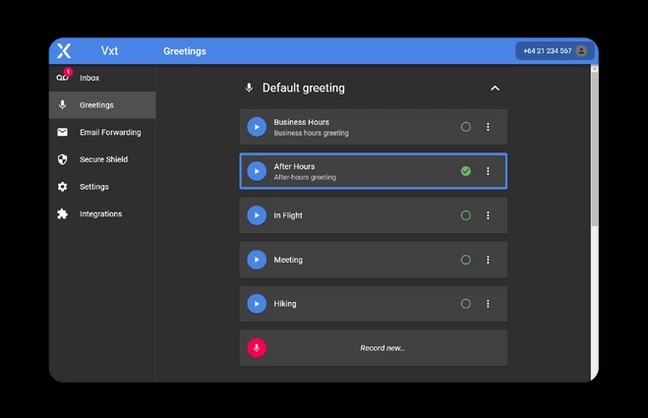
- Added new integration with voicemail platform Vxt, more info here
- Added new contact activity filter strategies:
- Enquired > Last enquired on any property in the last 'X' days
- Enquired > last enquired on any property more than 'X' days ago
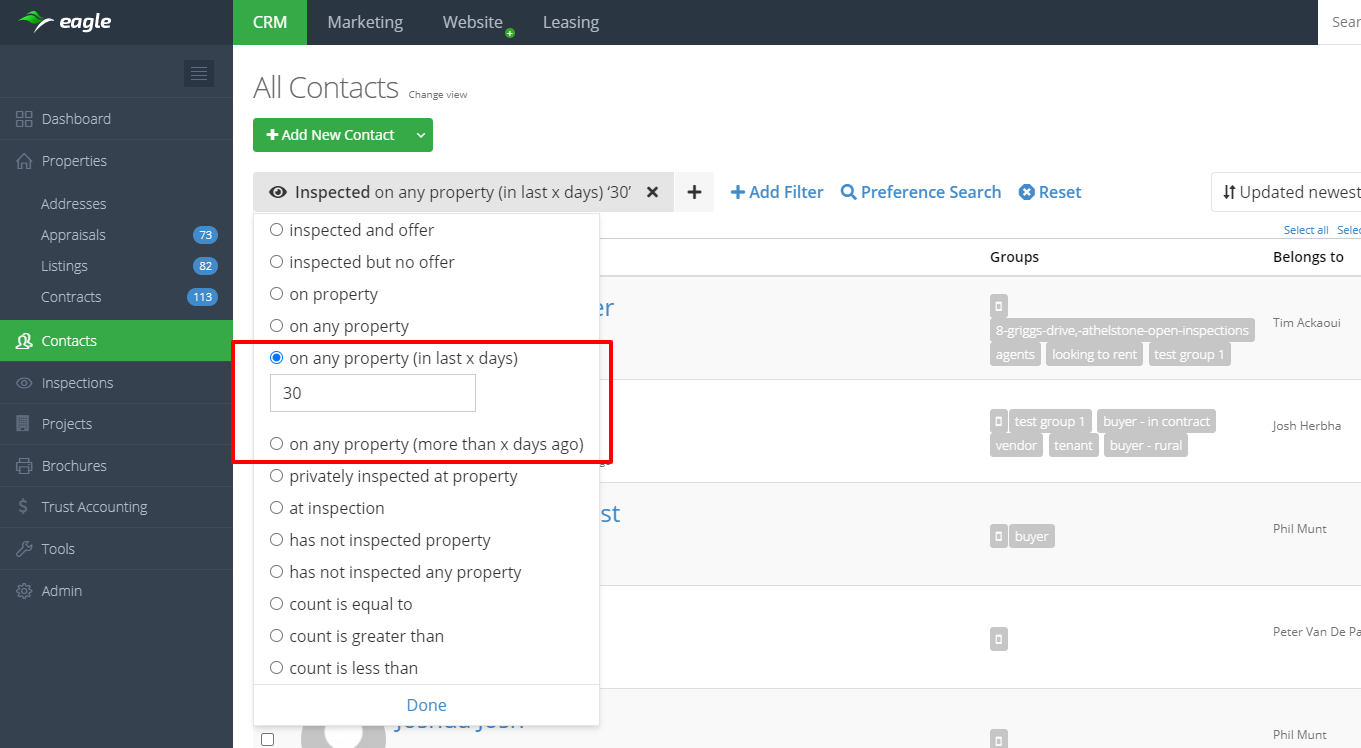
- Inspected > last inspected any property in the last 'X' days
- Inspected > last inspected any property more than 'X' days ago
- Offered > last offered on any property in the last 'X' Days
- Offered > last offered on any property more than 'X' days ago
- Manually added a note > last manually added a note in the last 'X' days
- Manually added a note > last manually added a note more than 'X' days ago
- Call > last called in the last 'X' days
- Call > last called more than 'X' days ago
- Email > last emailed in the last 'X' days
- Emailed > last emailed more than 'X' days ago
- SMS > last SMSed in the last 'X' days
- SMS > last SMSed more than 'X' days ago
- Applications > last applied for any property in the last 'X' days
- Applications > last applied for any property more than 'X' days ago
- New API endpoints
- Address search using Pricefinder and Corelogic integration
- Create, update and delete contracts
- Mobile app improvements
- Added ability to assign a user to an inspection
- Added property tab on inspection screen
- Added ability to edit address display
- When creating contacts the contact country will default to account country

19 October 2020
Vxt Integration
Vxt is a voicemail platform that features email forwarding, smart voicemail greetings and advanced security.
With this integration you can read and play back your voicemail right from contacts’ activity feeds within Eagle, making it even easier to keep track of all your communication in one place. Contacts are automatically created when you receive a message from someone new.
Visit the help article to setup the Vxt integration.